Laptop thermal paste
Thermal paste for laptop repaste
Thermal paste for laptop repaste fills the microscopic gaps between a compatible chip surface and heatsink. ARCTIC MX-6 and Noctua NT-H2 are conventional non-conductive compounds to compare when the laptop’s service instructions call for paste.
As an Amazon Associate, we earn from qualifying purchases.

ARCTIC MX-6 or Noctua NT-H2 for a paste interface
Compare pack quantity, included cleaning materials and storage instructions. A small syringe can suit an occasional laptop job; extra compound is useful only if you service more devices.
Useful for a planned heatsink service where conventional paste is the specified interface and the assembly can be refitted correctly.
Match the interface material specified by the laptop
Use the interface material required by the service guide. Paste, thermal pads, putty and phase-change materials have different jobs and thickness requirements; retain the specified arrangement around memory and power components.
MX-6 and NT-H2: useful specifications beyond a headline number
ARCTIC publishes MX-6 density of 2.6g/cm³ and viscosity of 4,500 poise. Noctua describes NT-H2 as electrically non-conductive and non-corroding. These material details are more useful than assuming a single advertised conductivity number predicts the result inside every laptop.
A repaste result depends on contact, application, mounting pressure and the rest of the cooling system. Compare the compound’s instructions and the laptop’s original interface before choosing.
Syringe size, cleaning and heatsink contact
Select enough compound for the intended chips and follow the manufacturer’s application guidance. Remove the old material as the service guide directs, then refit the heatsink in the specified screw order.
Pads or putty on neighbouring components maintain their own gaps. Keep those interfaces at the correct locations and thicknesses so the heatsink can make the intended contact with the CPU and GPU.
Laptop thermal paste specifications in practice
| Specification | Published detail | What it means in use |
|---|---|---|
| ARCTIC MX-6 density | 2.6g/cm³ | Published material property. |
| ARCTIC MX-6 viscosity | 4,500 poise | Published consistency specification. |
| Noctua NT-H2 | Electrically non-conductive; non-corroding | Conventional compound rather than liquid metal. |
For the practical steps, see our guide to Should I repaste laptop.
Laptop thermal paste models by use case
| Model or option | Useful for | Model detail |
|---|---|---|
| ARCTIC MX-6 | A conventional paste interface in a compatible service job. | Follow the specified application and assembly. |
| Noctua NT-H2 | A conventional non-conductive paste option. | Compare syringe size and included accessories. |
Laptop thermal paste: brands and current options
As an Amazon Associate, we earn from qualifying purchases.

ARCTIC MX-6
A conventional thermal compound for a compatible paste-interface service.
Use the interface material required by the service guide. Paste, thermal pads, putty and phase-change materials have different jobs and thickness requirements; retain the specified arrangement around memory and power components.
- Density: 2.6g/cm³
- Viscosity: 4,500 poise
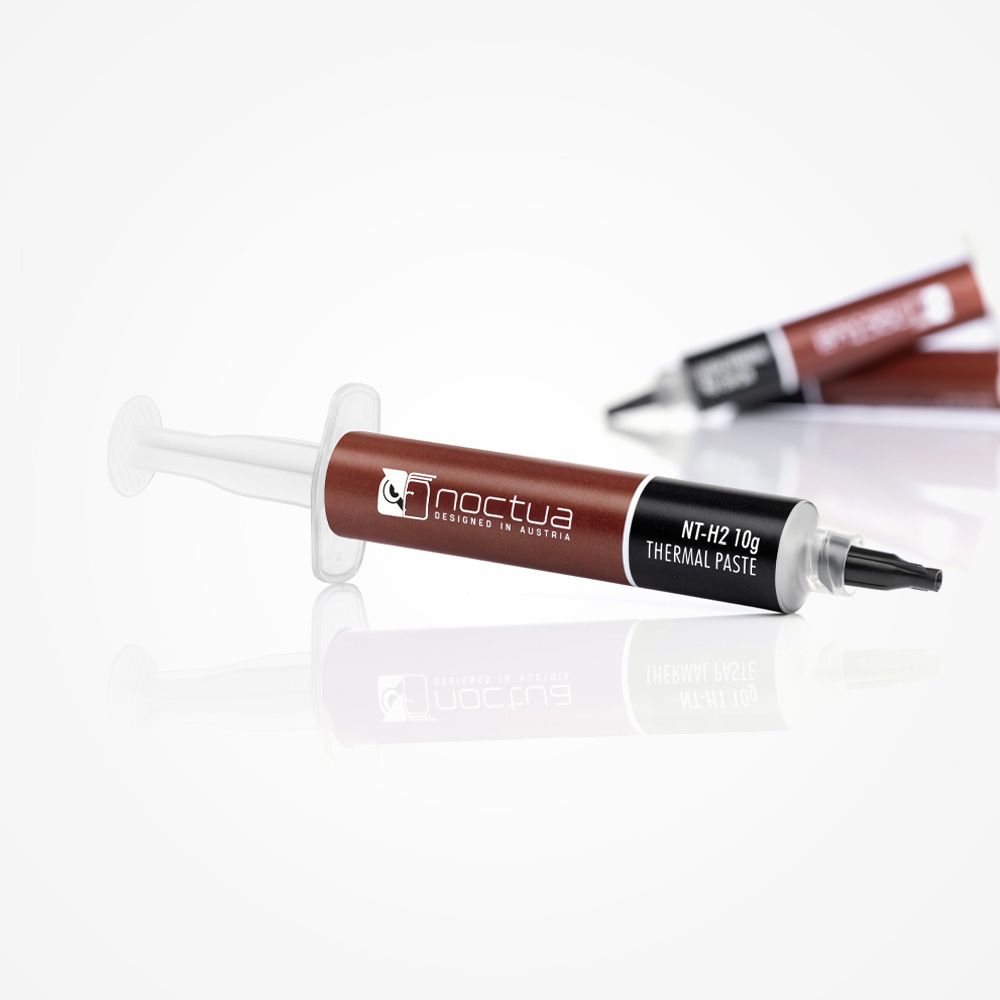
Noctua NT-H2
A conventional compound with pack-size options for occasional or repeated heatsink service.
Use the interface material required by the service guide. Paste, thermal pads, putty and phase-change materials have different jobs and thickness requirements; retain the specified arrangement around memory and power components.
- Electrically non-conductive
- Non-corroding
- Compare 3.5g and 10g packs
Laptop thermal paste details to compare
- Compatibility with the specified heatsink interface.
- An amount suited to the number of chips and jobs.
- Application guidance and clean mounting surfaces.
Compare more product guides · Home
Laptop thermal paste FAQ
Can thermal paste replace a thermal pad?
No. Pads bridge a specified gap. Paste is intended for a thin contact interface and does not replace the required pad thickness.
Should I repaste my laptop?
Only when symptoms point to paste/contact after easier checks. Heat alone does not prove paste is the problem.
Do I need thermal pads too?
Some laptops use pads with exact thickness. Guessing thickness can make temperatures worse.
Which syringe size suits occasional repairs?
Choose a small pack when you only plan one or a few service jobs. A larger pack is convenient for repeated use; compare storage instructions and included cleaning materials.
Choose the compound for your planned heatsink service
Compare the current listing, included accessories and available pack or model options for ARCTIC MX-6.
View ARCTIC MX-6 on AmazonAs an Amazon Associate, we earn from qualifying purchases.